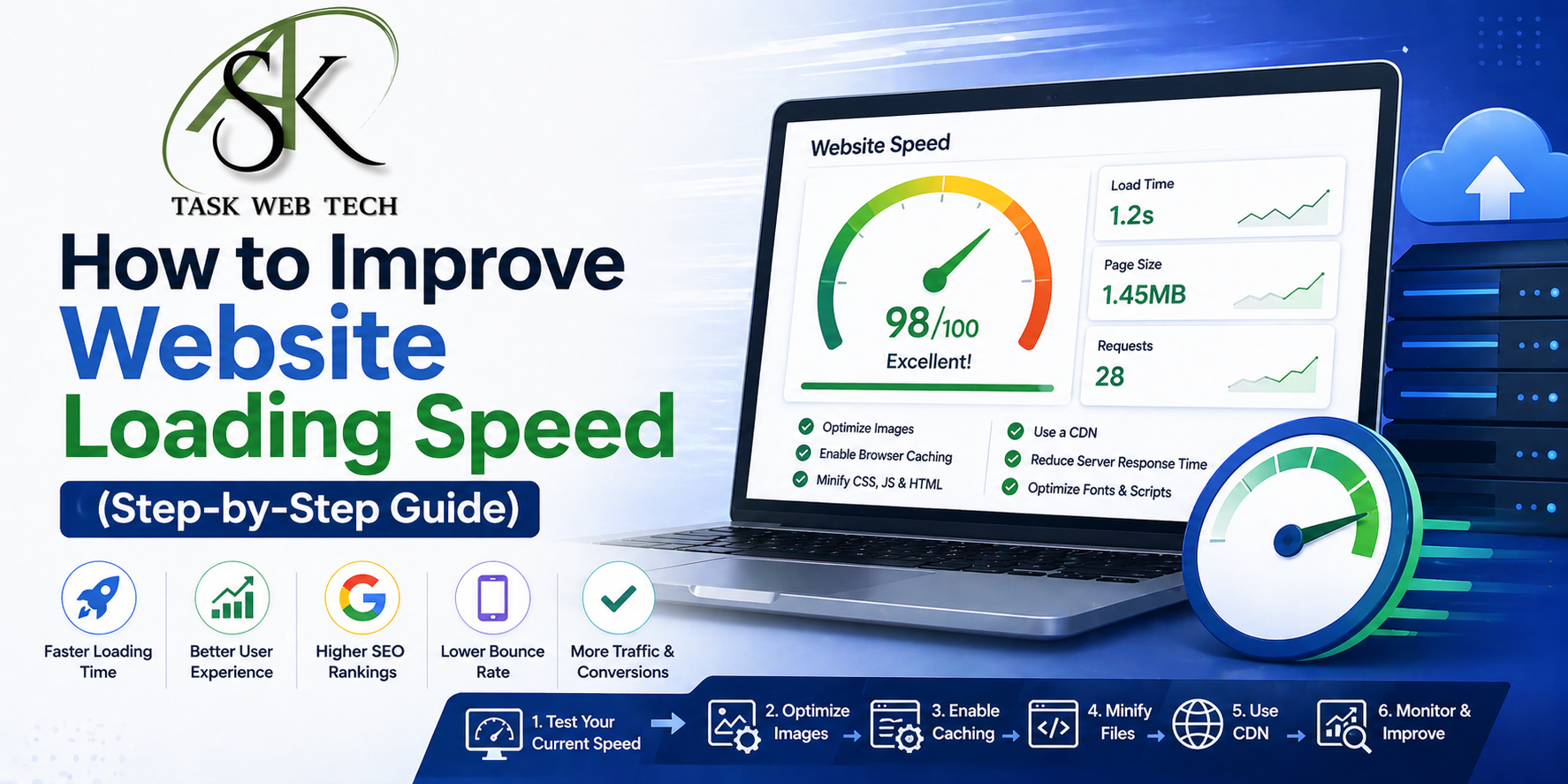
In an era where everything is digital, the Website Loading Speed of your website has gone beyond being a technical measurement and can now illustrate your brand’s credibility as well as the overall user experience. Research has shown that website visitors in the US, UK, Canada and Australia abandon any website that takes more than 3 seconds to load; thus, if you operate an eCommerce store, SaaS platform or content blog, poor loading speeds mean losing money, decreasing your search engine ranking and frustrating users.
Thank you for reading this post, don't forget to subscribe!Following this step-by-step guide, you will learn how to increase your Website Loading Speed using evidence-based, actionable techniques – the right way.
Why it is important to have a fast loading web page?
Understanding why Website Loading Speed is so important before getting into how to speed up your website is critical. Google has made an official announcement that page speed will be used as a ranking factor for both mobile and desktop searches. A slow website not only negatively effects the user experience, but it also causes problems with your SEO performance, bounce rate and conversion rate.
According to research done by Google, a delay of just one second in mobile load time could result in up to a 20% reduction in conversions. For companies that are selling products to Tier 1 markets and who have high buying intent this is unacceptable.
Step-1 Test Your Speed Before You Make Changes
You Can’t Improve What You Can’t Measure. The first step to improving your website load speed is to measure your current load speed.
Use public, professional website speed-testing tools to run tests on your website.
- Google PageSpeed Insight — Gives you core web vitals and suggestions to help improve them.
- GTmetrix — Gives you a performance grade and detailed waterfall analysis.
- Pingdom Tools — Tests your website from several different global server locations.
- WebPageTest — Helps you perform an advanced technical audit.
Make sure to perform the test from a minimum of two to three different locations, such as New York, London, and Sydney. Doing so will allow you to determine your website’s load speed metric globally and establish a baseline before making any changes. You should also document your scores before making any changes so you can determine how much you’re improving your website load speed.
Step 2: Pick a Fast Web Host
Your web host plays a vital role in your Website Loading Speed and time. While shared hosting may be inexpensive, many other websites are sharing the same server to load your site.
If you require superior performance, consider upgrading to:
- A VPS (Virtual Private Server) which provides dedicated server resources
- A Managed WordPress Hosting (Kinsta, WP Engine or Cloudways) who offers servers optimized for WordPress use
- A Cloud Hosting platform such as AWS, Google Cloud or Digital Ocean which provide scalable server infrastructures for your use
Look for a web host that has data centers that are located close to your target audience. If you are a primary provider to people in the USA, UK and/or Canada, the location of your server is very important for reducing latency.
Step 3. Make Use of a Content Delivery Network (CDN)
A CDN allows you to deliver static files from multiple locations across the globe. So, if someone in London accesses your website that is hosted in the USA, instead of having all the files hosted in the USA, the CDN will serve those files from an out-of-the box location such as Europe. This means that by using a CDN you’re able to decrease the time it will take for someone in London to view your website because they won’t have to wait for the files to download.
Here are just a few CDNs that are reliable depending upon your needs:
- Cloudflare: A free tier is available which includes DDoS protection.
- BunnyCDN: A cost-effective way to deliver static assets and images with outstanding performance.
- Amazon CloudFront: A great option for large amounts of traffic or enterprise-level business.
- KeyCDN: Provides a very detailed level of analytics for developers.
An effective way to reduce TTFB for international users is “just” to implement a CDN which will typically reduce TTFB by between 40-60% with only the implementation of a CDN, making it one of the highest impact changes that you will make on your website.
Step 4: Image Optimization and Compression
Image files consistently make up the largest portion of our page’s weight. Unoptimized images quietly wreck your loading speed without you ever knowing why.
Here are some image optimization best practices:
Use next-gen formats: Transitioning your images from PNG and JPEG to WebP or AVIF formats can reduce the size of the image by 25-35% with no visible quality loss.
Compress images before uploading: Use tools like TinyPNG, Squoosh or ShortPixel to compress images prior to uploading, without visually compromising their quality.
Implement lazy loading: By implementing lazy loading, you only load images when they are about to enter the user’s viewport, significantly reducing the initial load time of the page.
Set correct dimensions: Always set the width and height attributes on your images to avoid layout shifts and improve your Cumulative Layout Shift score — which is one of the Core Web Vitals.
Step 5. Minify CSS, JavaScript, and HTML files
Any unnecessary characters that you have in your code such as spaces, comments or excessive lines will contribute to the size of your page. By eliminating all those extra characters, you increase your page size but don’t change the way that your code works.
To remove unnecessary characters from your files, there are many tools and plugins as listed below. You can use:
- WP Rocket or Autoptimize for WordPress-based sites
- Webpack or Gulp for custom coded sites
- CSS Minifier (or JavaScript Minifier) if you’re manually optimizing your file.
In addition to optimizing your files, you can also help improve performance by eliminating render-blocking resources; defer the downloading of non-critical JavaScript resources so that the browser can display content that is above the fold (i.e… on the screen) without having to wait for all of the scripts to finish loading first before displaying what’s above the fold.
Step 6. Enable Browser Caching As Your Final Step
When visitors first come to your site, their browsers will download some files from your website and keep copies of them in their cache. This allows repeat visitors to load your page much more quickly because the browser does not have to download the same assets all over again.
Your server configuration settings should include the following cache expiration times for static assets:
- Logos, fonts, and other images should be cached for 1 year.
- CSS and Javascript files should be cached for 1 month.
- Your HTML pages should be cached for 1 week or less.
If you are using WordPress, you can use caching plugins such as WP Rocket, W3 Total Cache, or LiteSpeed Cache to set the caching expiration values without needing to change the server settings.
Step 7: Cut back on the number of HTTP requests
Each element you put onto a web page such as an image, a stylesheet, a script, and/or a font creates its own individual HTTP request in order to display properly. By reducing how many requests there are in total, your site will load faster.
Some examples of reducing HTTP requests would be combining your CSS files (instead of having 10 separate files for style sheets) into one style sheet, instead of having 10 separate images for the same recurring icon on the website you could combine those images into one (called a CSS sprite), removing any plugins or third-party scripts that you may no longer need/use on your site, and limiting the number of custom fonts that you have to load from third-party sources, such as Google Fonts.
A more streamlined codebase will usually perform better than a bloated codebase.
Stage 8: Enhancing Your Database
A large, cluttered database is one of many hidden performance drains that affect websites built with WordPress or other content management systems (CMS). Over time, your site can be bogged down by all the clutter created in the back-end of your CMS, including post revisions, spam comments, transient files, and orphaned metadata. This additional database clutter can have an impact on the time it takes to return results from your queries.
To help eliminate the potential for database bloat on your CMS, clean and optimise your database tables on a regular basis using optimising plugins such as WP-Optimize or Advanced Database Cleaner. If your site handles large amounts of database traffic, consider moving to a more efficient database engine, or consider using object caching with a caching solution (such as Redis or Memcached).
In conclusion
You’ll find that improving Website Loading Speed isn’t a “one-and-done” job; it takes a concerted effort over time to provide the best user experience possible. And by implementing these 4 steps systematically, you’ll significantly improve your Core Web Vitals scores, search rankings, and overall engagement with your users.
Start with the fundamentals: test your load times, fix your web hosting, and optimise your images. Once you’ve established these basic optimisations and started to gain traction, you can begin to implement more advanced improvements as your website grows. Each second you remove from the time it takes for your site to load brings you closer to higher conversions, better rankings, and a more powerful digital presence in highly competitive Tier-1 markets.
Your website is your most valuable digital asset; treat it like the valuable asset that it is, and make its performance your top priority!